
Planning
Whiteboard
A whiteboard for your team's brainstorms, retros and journey maps: the agent draws the first board, sorts the stickies, and turns what you settled into tasks.
Take a look inside.
Previews show illustrative example data. People and companies shown are fictional.
What you can do
with Whiteboard.
- Draws a first board from a sentence (a retro, a brainstorm, a customer journey, a process, a plan): its sections, a prompt for each and starter stickies, drawn on the board with an Undo
- Adds more stickies to one section or question (ideas, questions, risks, examples, or the person's own words), drawn on the board with an Undo
- Sorts a wall of stickies into named clusters: they gather under the names on the board, with an Undo
- Writes a short summary of a board: what the team said, where it agreed, what is still open
- Turns what a board settled into tasks with owners and dates, or a dated plan, made in the team's lists with an Undo
- Brings a board in from a connected whiteboard account: its sections, stickies, shapes and connectors, where they were
Start a conversation.
A few things you can ask Whiteboard.
- Draw a retro board for our launch
- Sort these stickies into themes and name them
- Map a new customer's journey from signup to first payment
- Summarise what we decided on this board
- Turn the top-voted ideas into tasks with owners
- Map our onboarding process step by step
Part of a bigger picture.
Find this app in these collections.
App previews show example data.
You might also like.
Browse all apps Content CalendarEvery channel on one calendar. Anything late moves into today and says how late.Content
 Gantt PlannerA Gantt chart with sub-tasks and dependencies that re-plans itself when something slips.Planning
 Issue TrackerTurns bug reports, meetings and threads into well-formed issues, triages your backlog, and plans each sprint your team works through.Planning
 Landing Page ReviewerScores each landing page on clarity, proof and speed, then writes the fixes.Sales
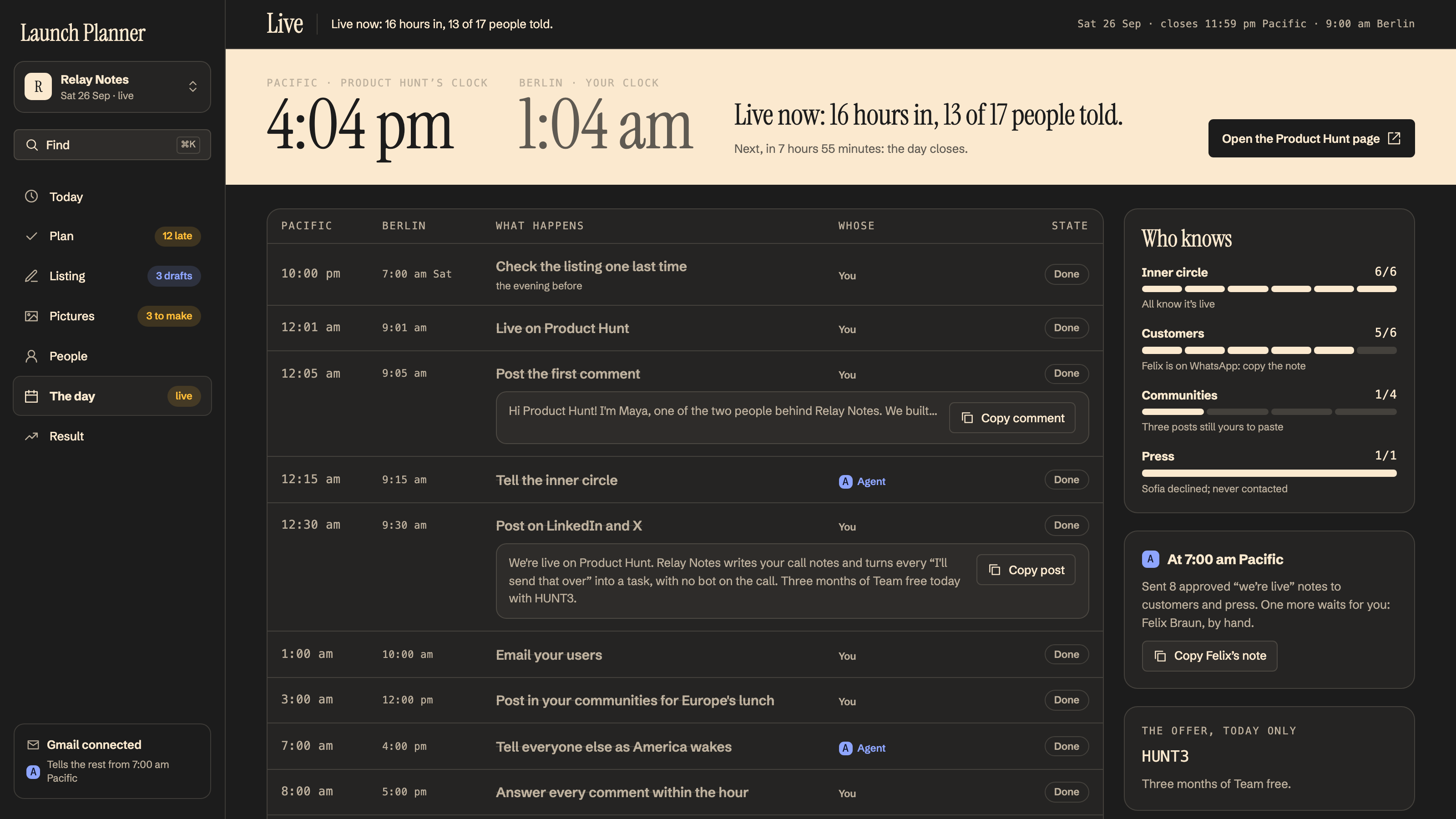
 Launch PlannerPick your Product Hunt day; the four weeks before it, the listing, the people to tell and the day hour by hour are planned for you.Launch
 Mind MapsTurns a topic or your notes into a mind map, grows it with you, and turns what's settled into tasks.Planning