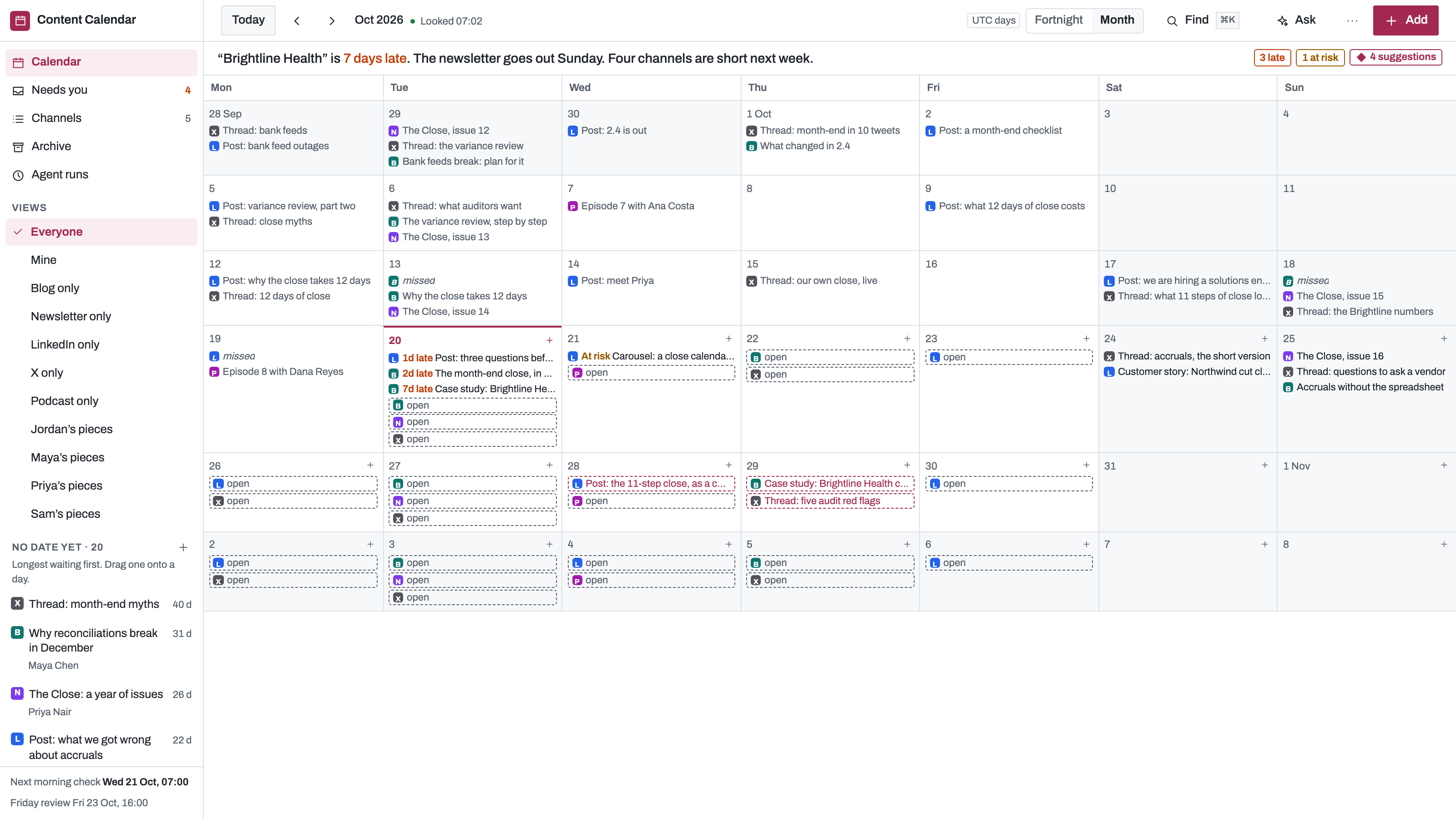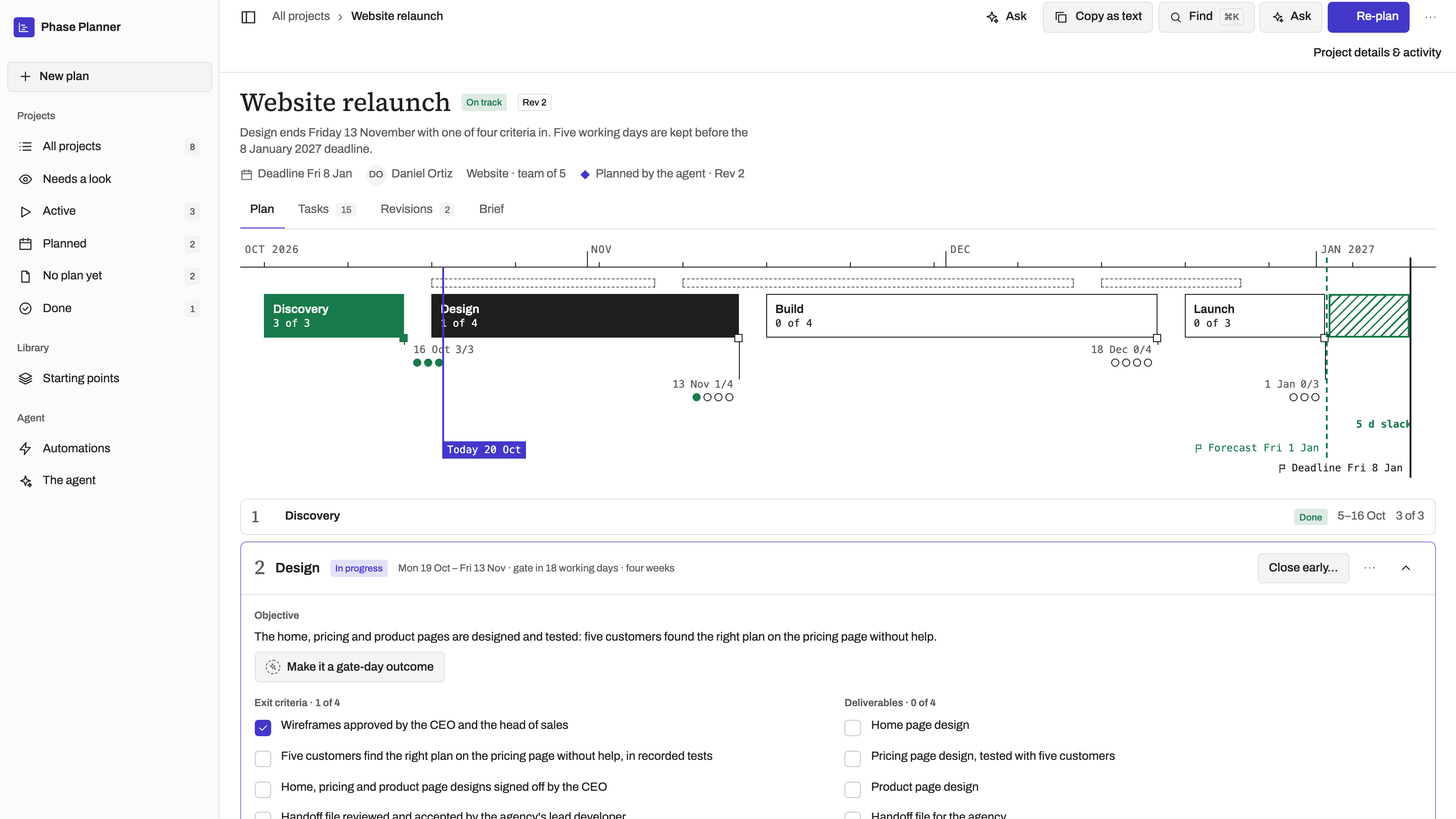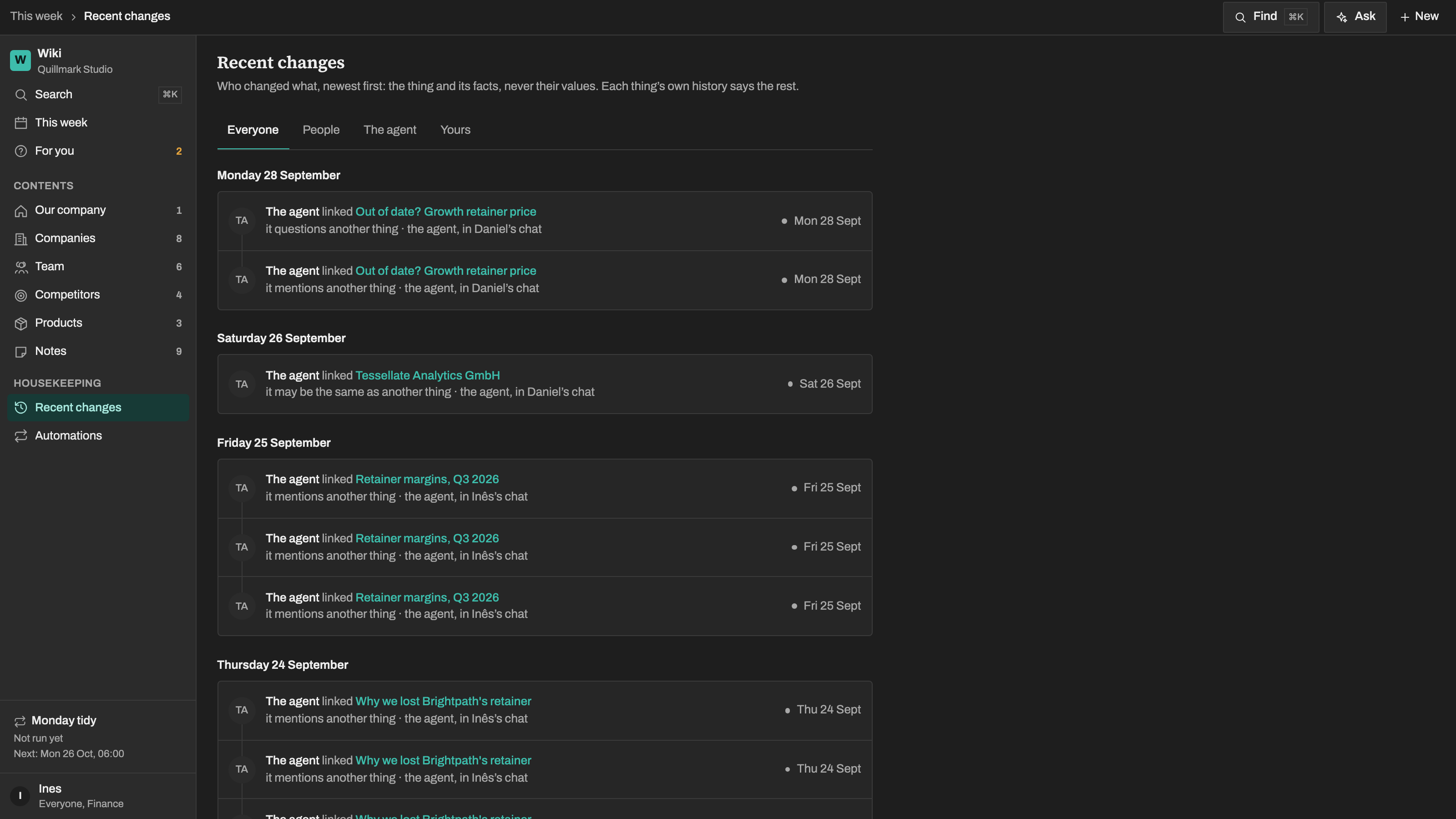
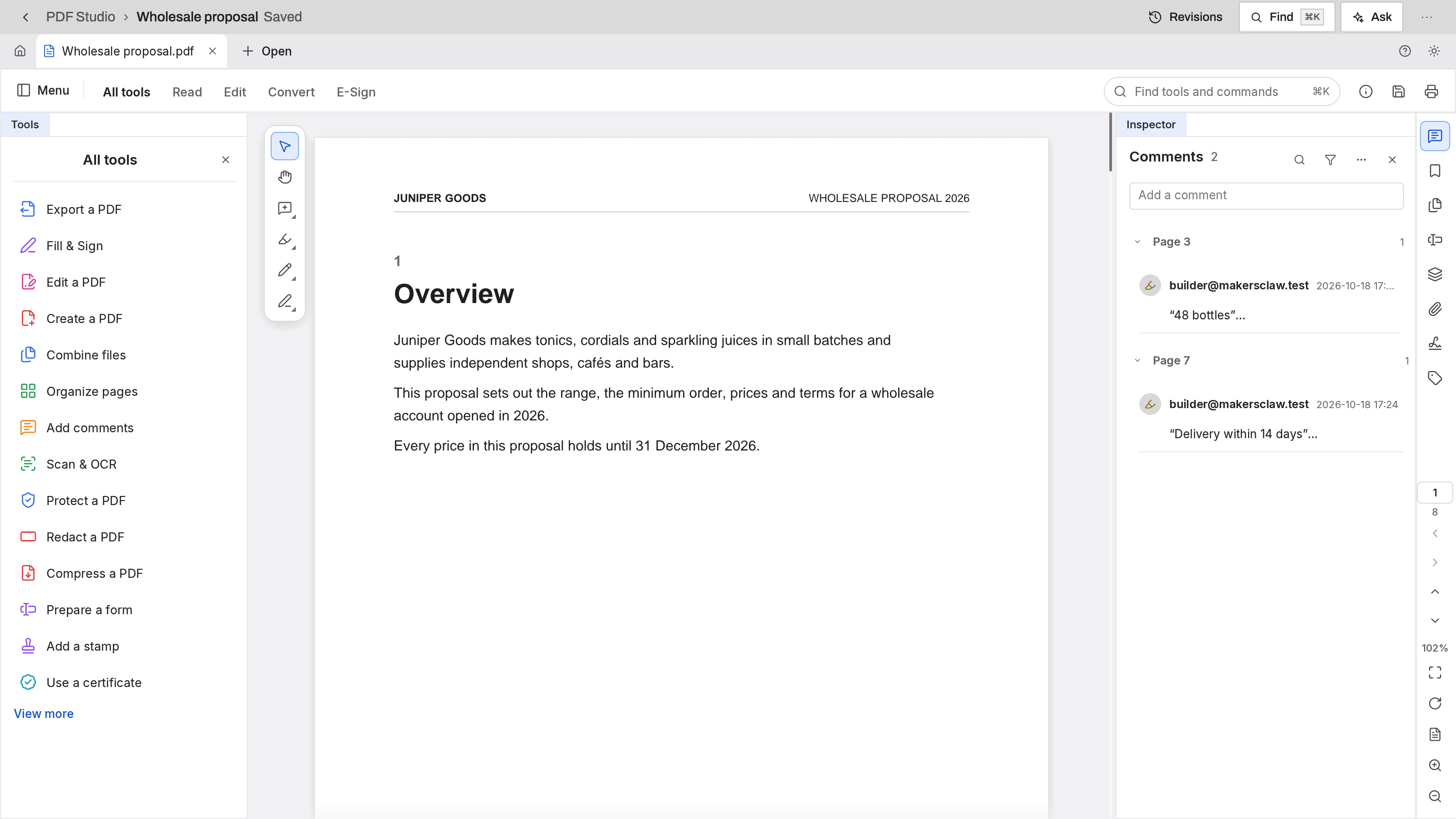
Read, mark up and arrange PDFs in the full editor, and let the agent help
By MakersClaw

Edit a photo, draw a logo, cut a film, mark up a PDF. Every studio works on your own files and exports a real file when you are done.
Choose the apps you need and configure each in your workspace. Screens show example data.
Read, mark up and arrange PDFs in the full editor, and let the agent help
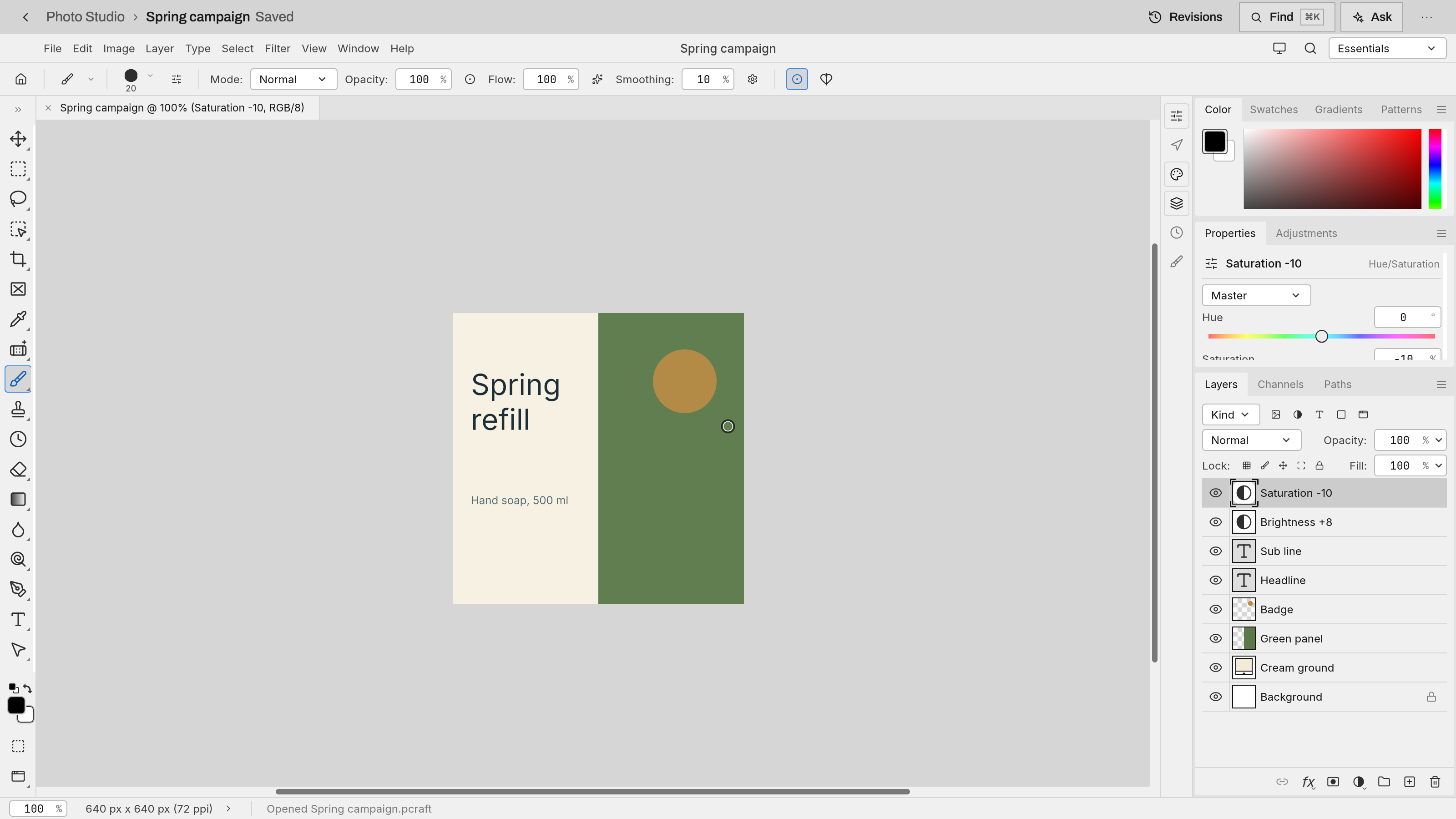
Edit layered images in the full editor, and let the agent edit them
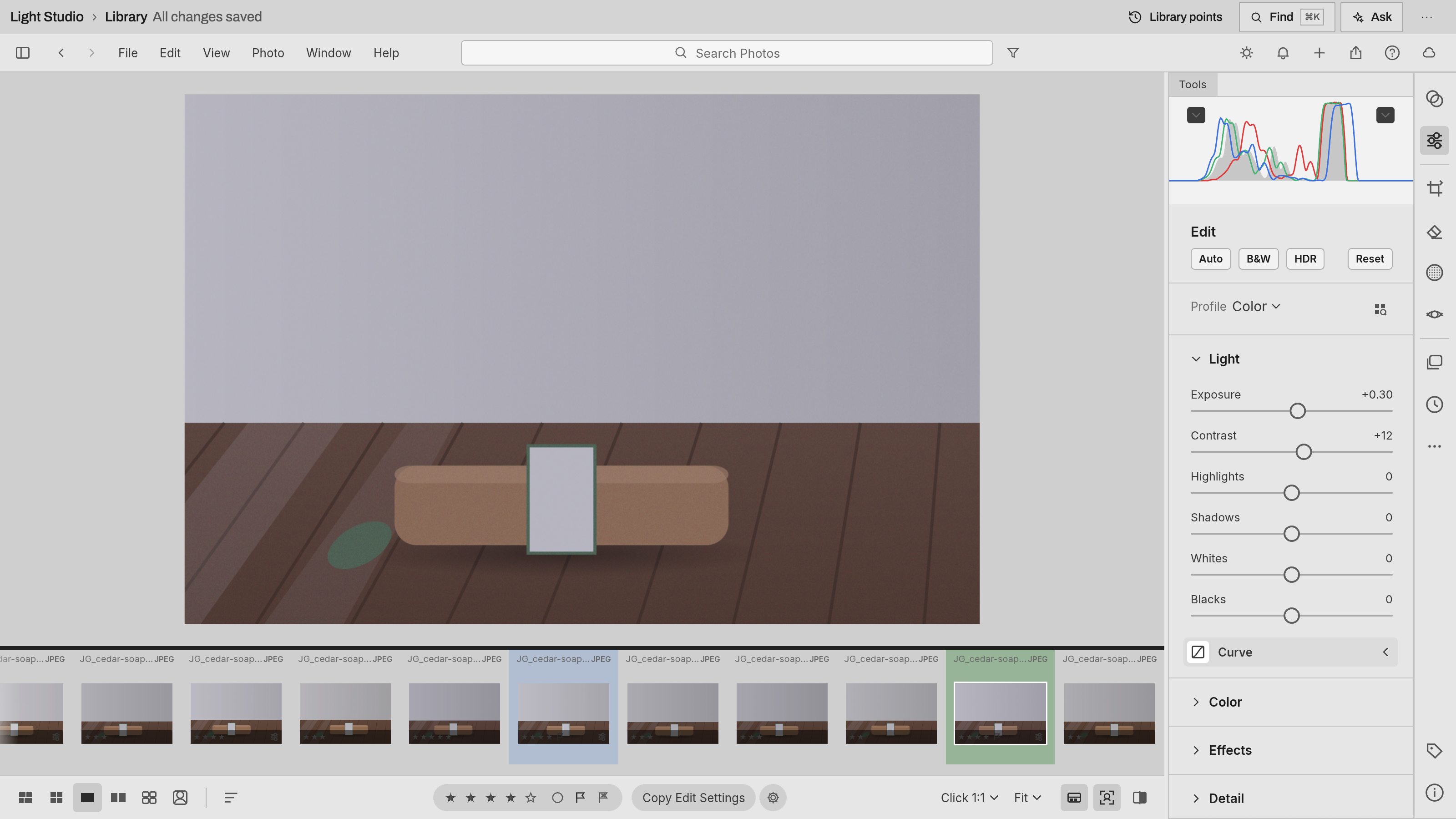
Develop a product shoot without changing the original photographs
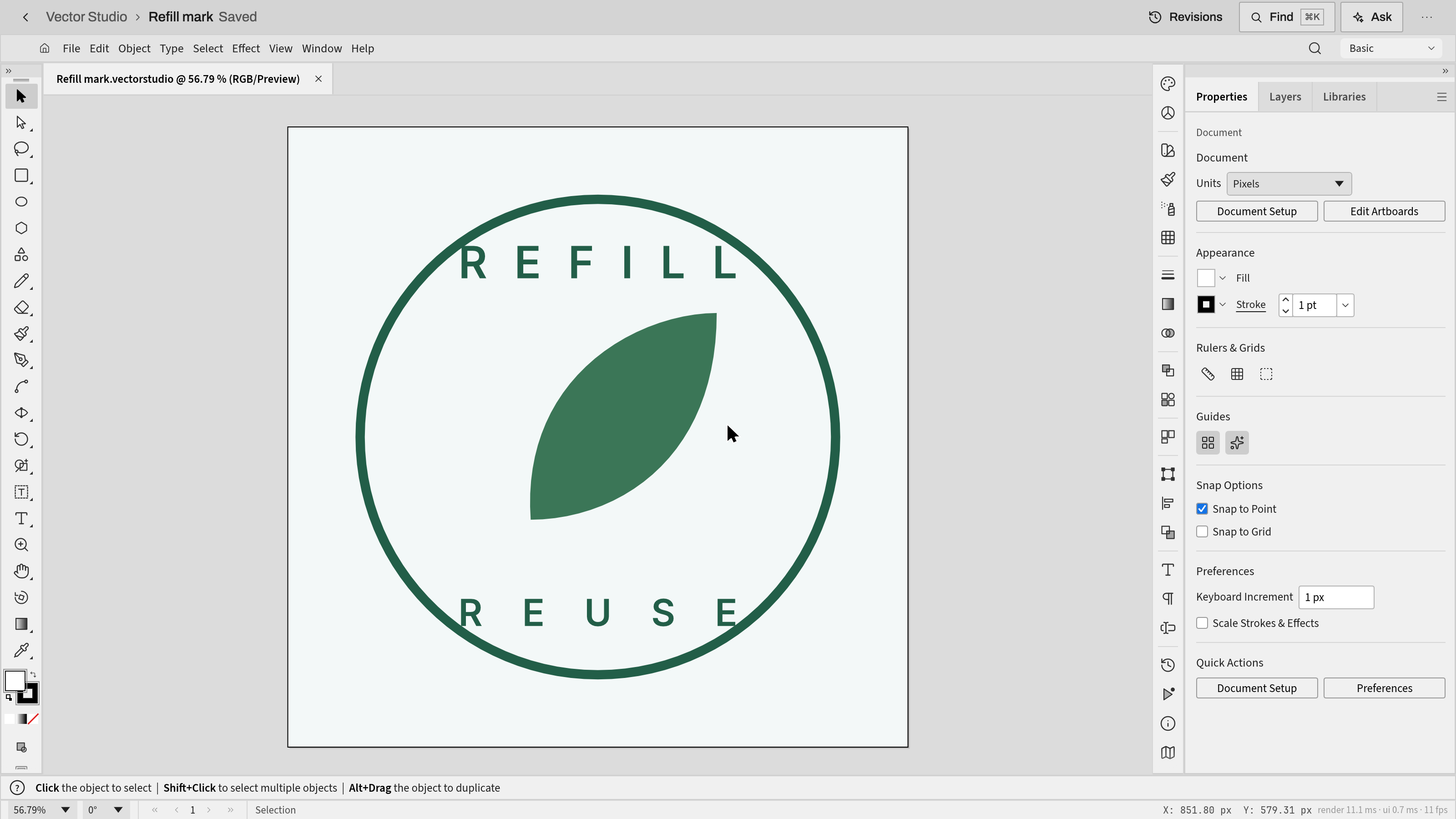
Draw logos and campaign graphics in the full vector editor, and let the agent edit them
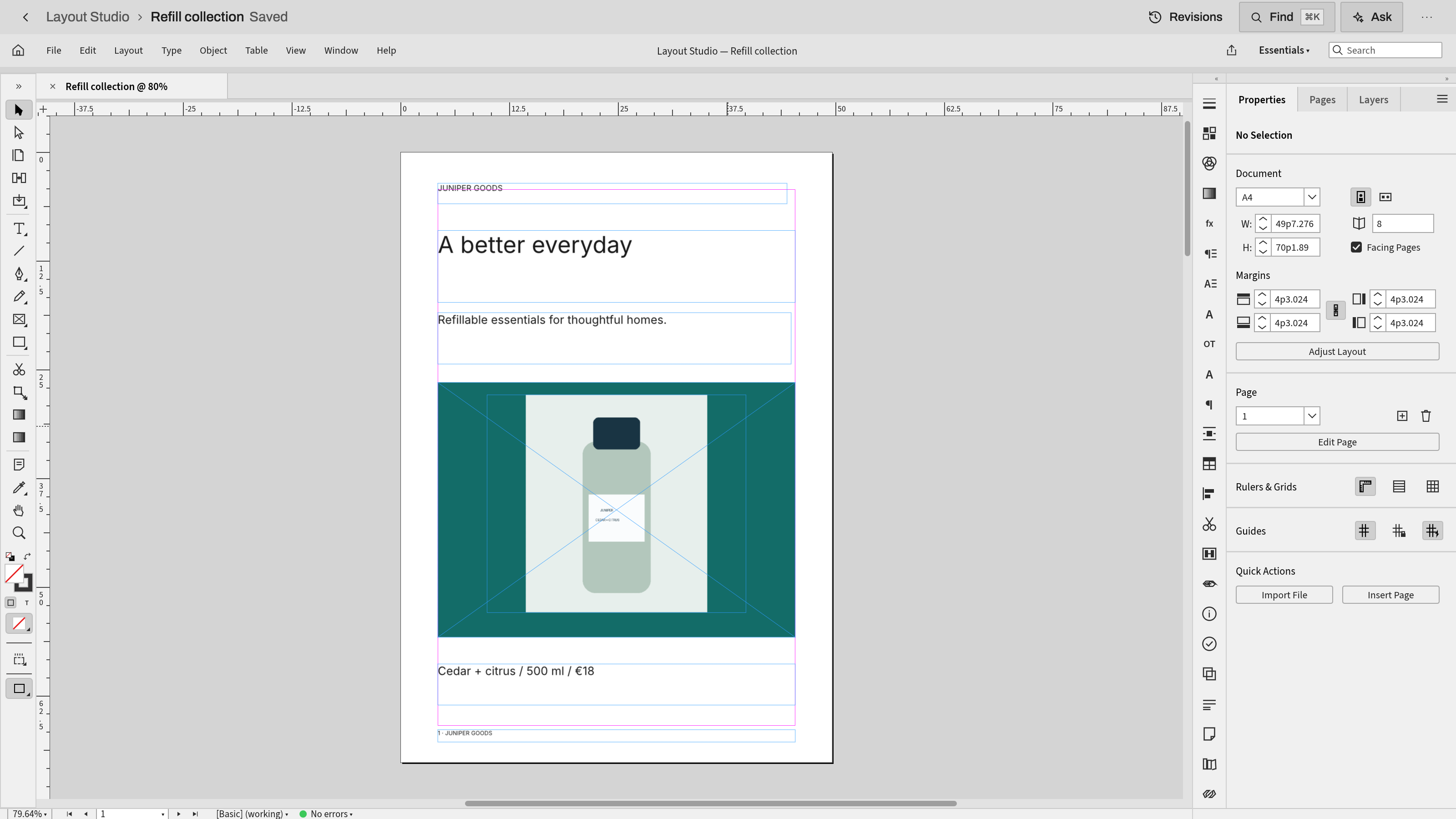
Set product sheets and booklets in the full page-layout editor, and let the agent edit them
Cut and finish videos in the full video editor from your team's footage, and let the agent edit the timeline
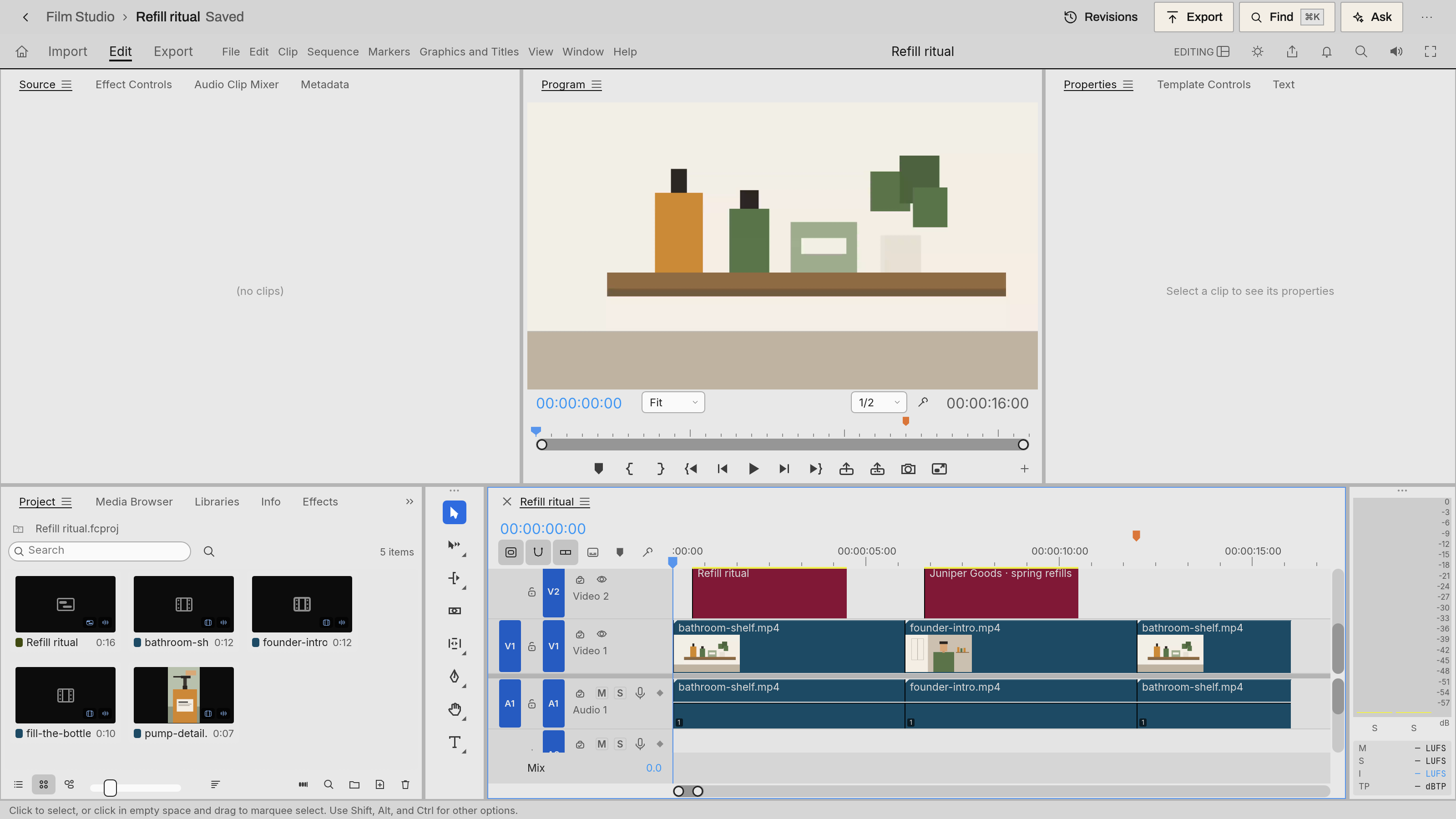
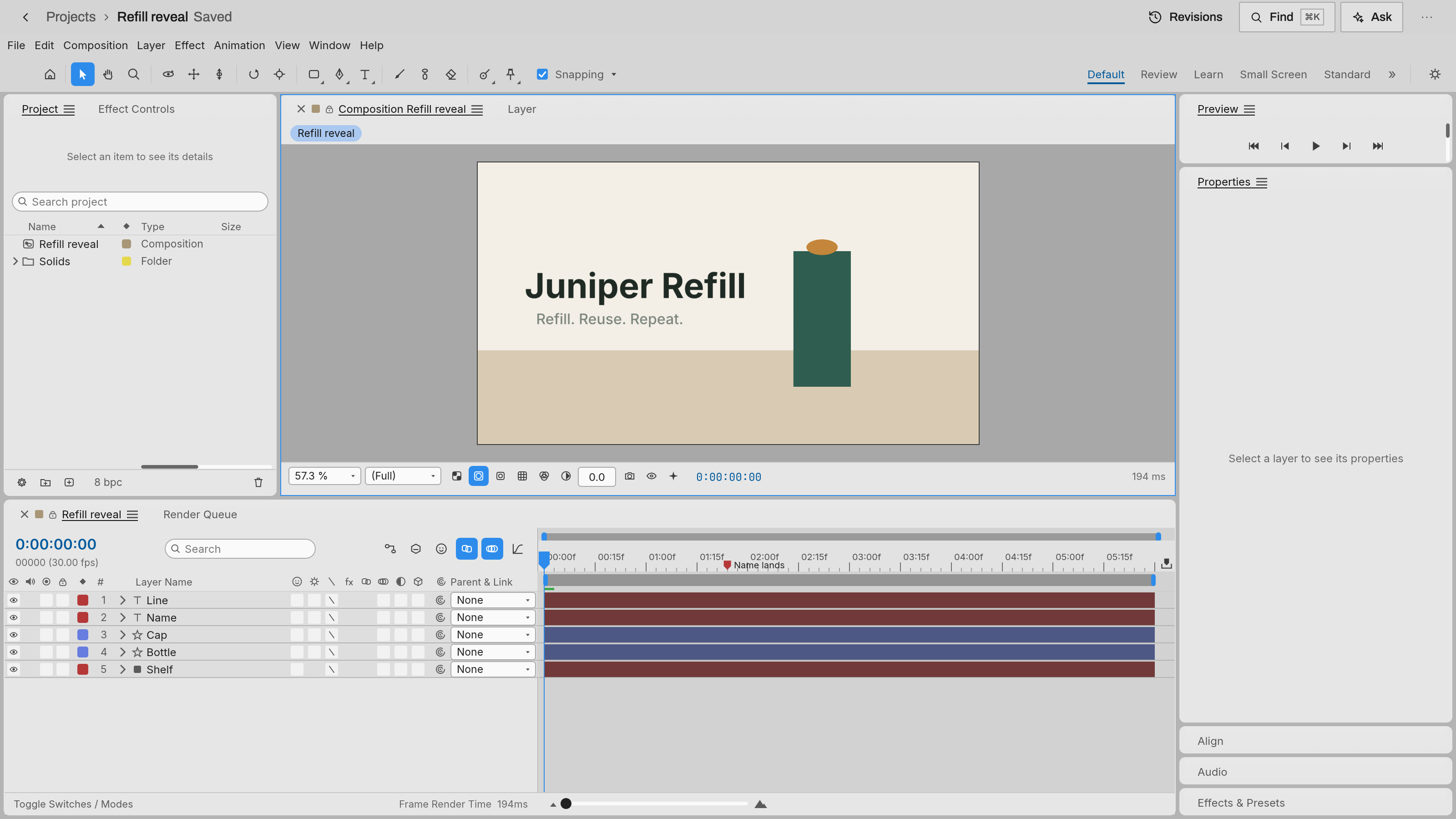
Animate titles and motion graphics in the full motion editor, and let the agent edit them
These apps share your workspace. Choose and configure each app separately.
See how agents and your team work togetherApp previews show example data.