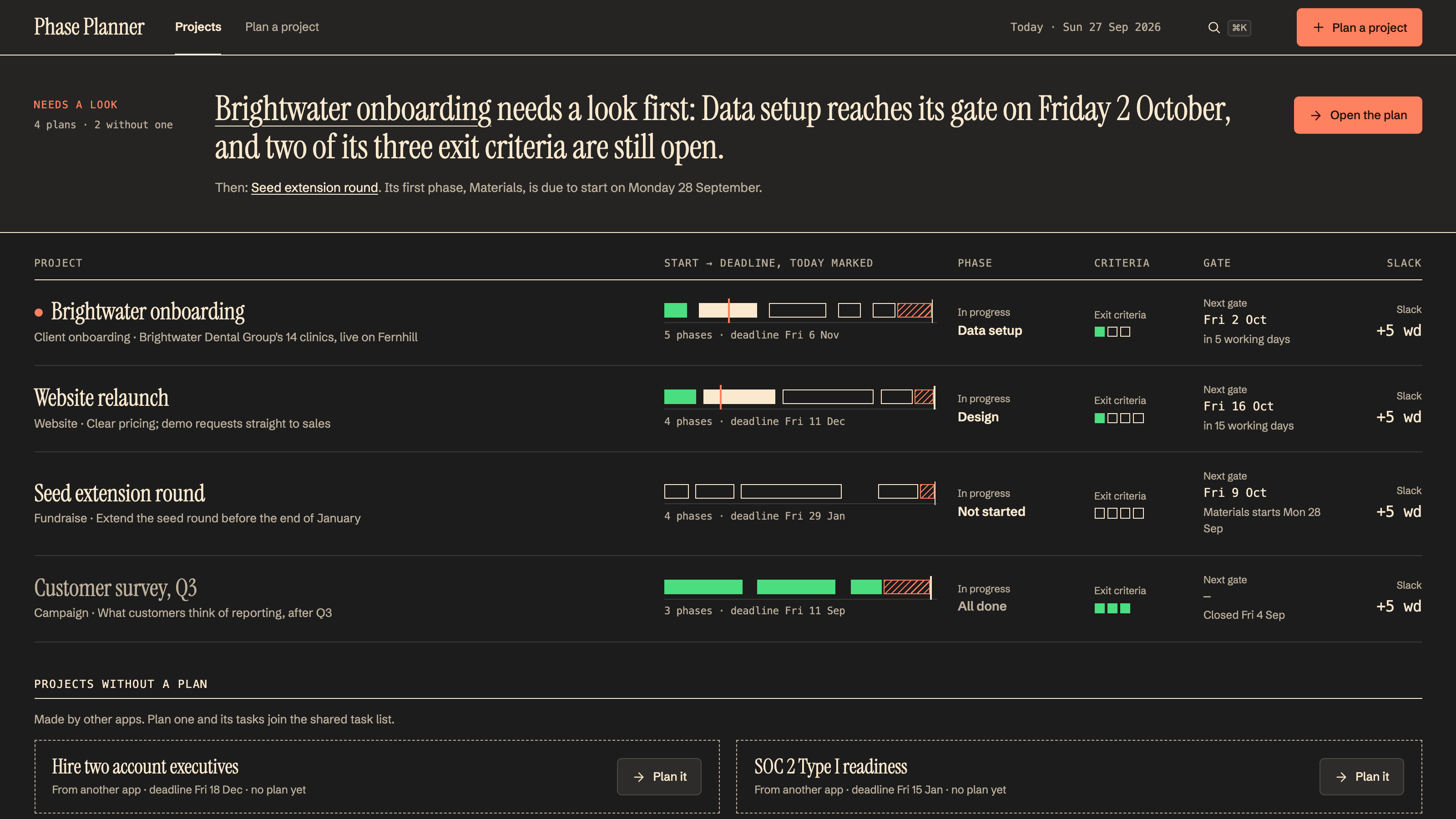
Two sentences and a deadline in; a dated, phase-by-phase plan out.
By MakersClaw
Turn a deadline into a plan your team can work from. Keep decisions, dependencies, and risks visible as the project moves.
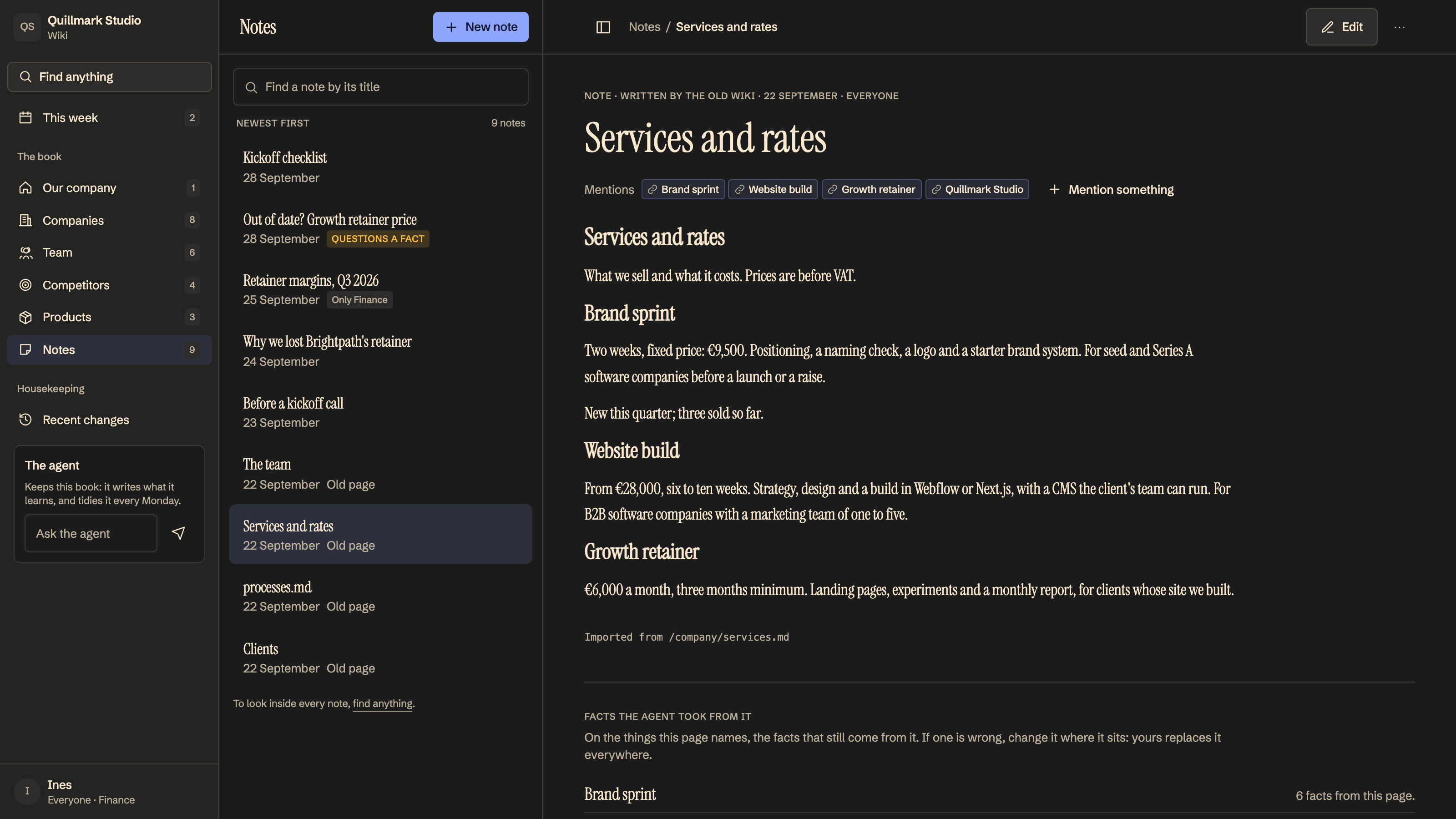
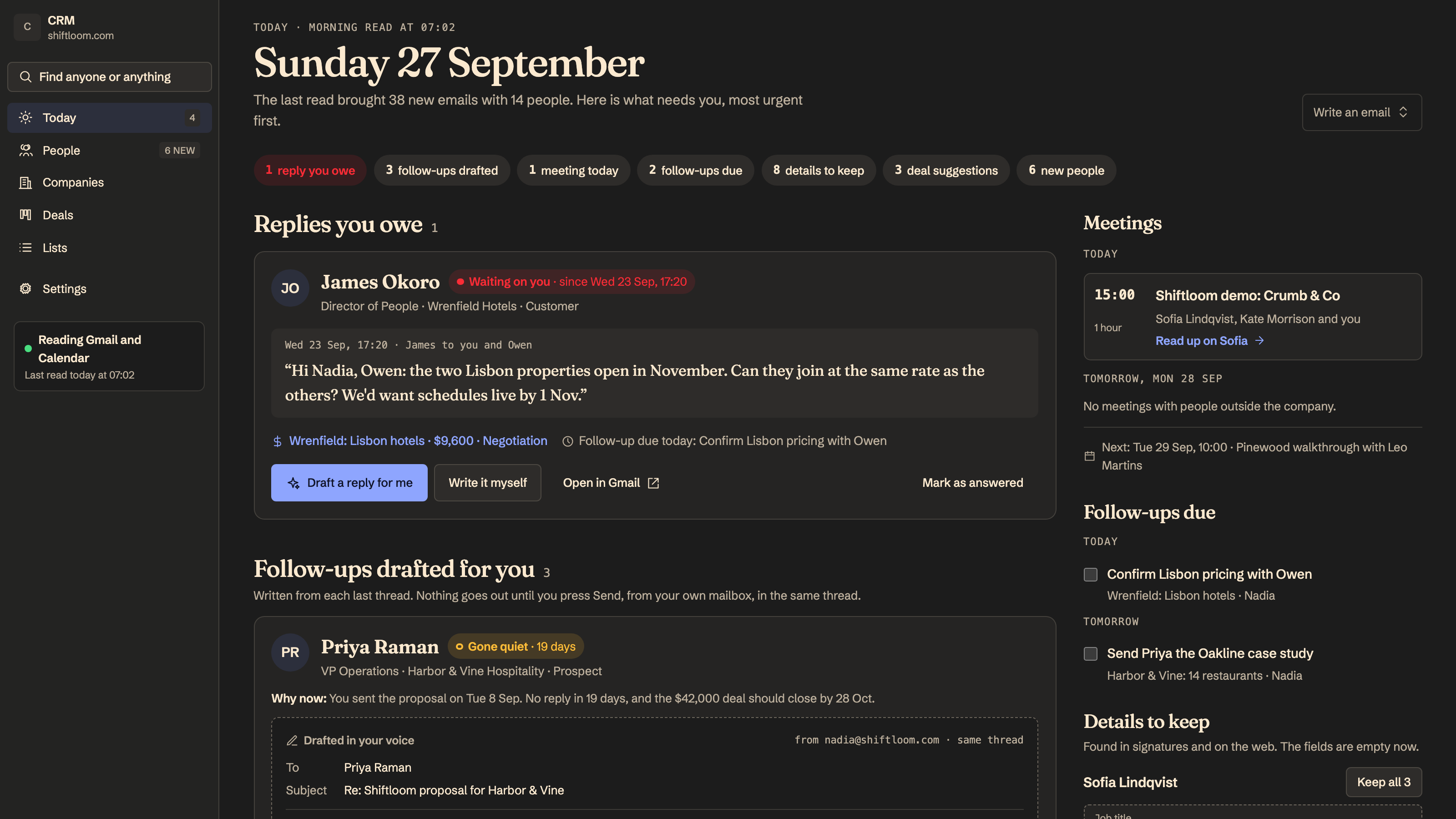
Choose the apps you need and configure each in your workspace. Screens show example data.
Two sentences and a deadline in; a dated, phase-by-phase plan out.
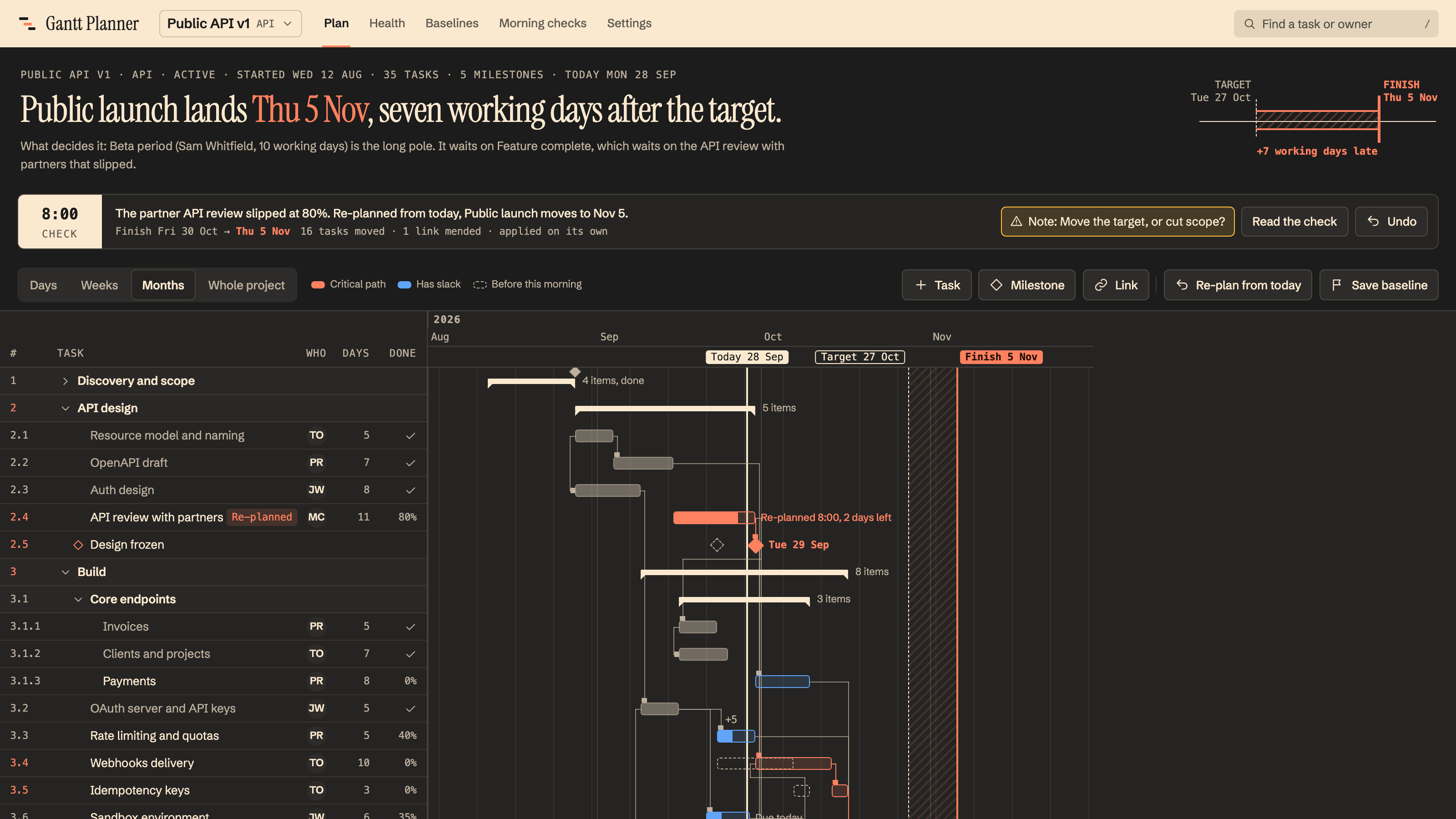
A Gantt chart with sub-tasks and dependencies that re-plans itself when something slips.
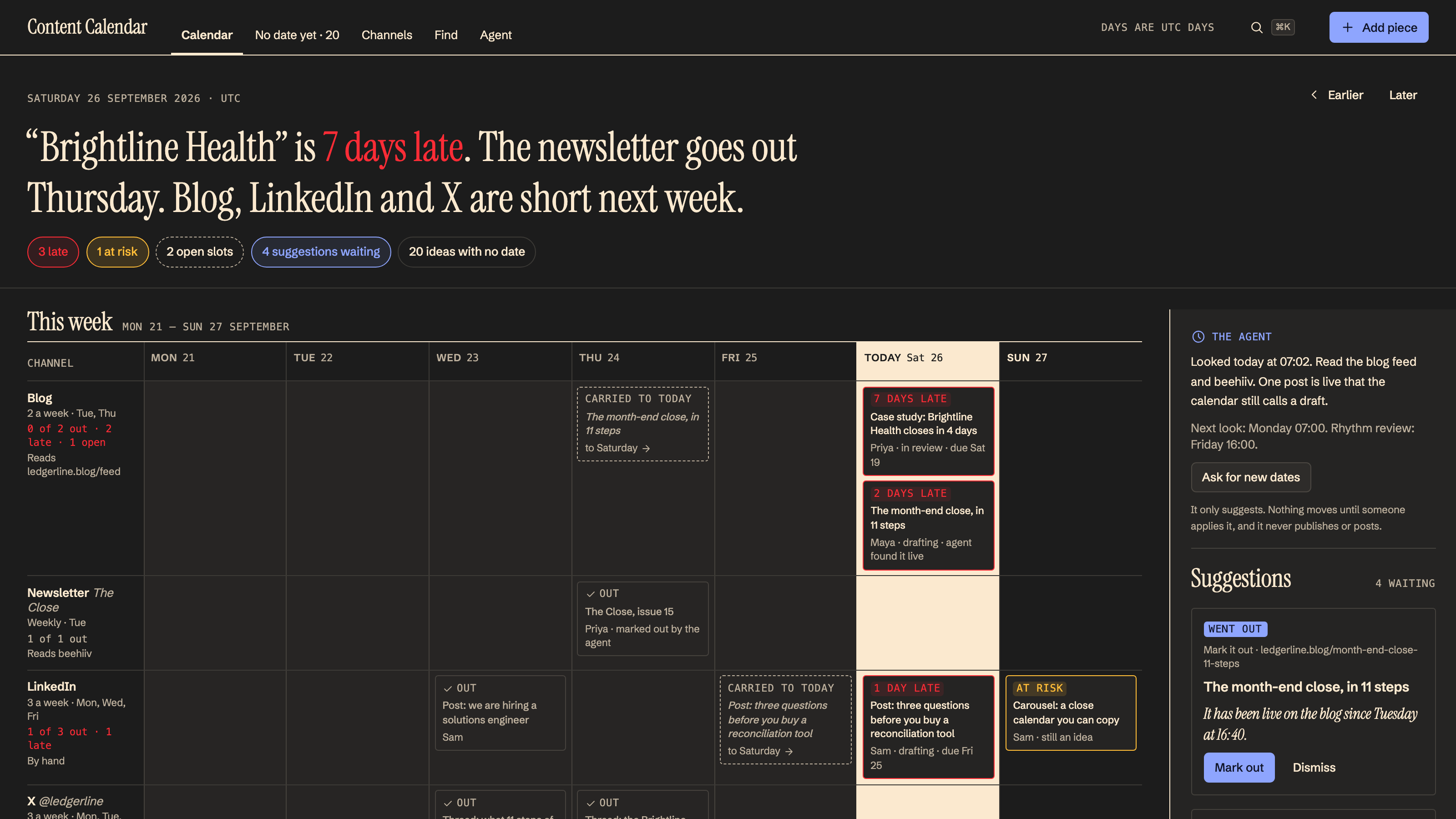
See which project dates will slip, by how many days, and the fix to apply today.
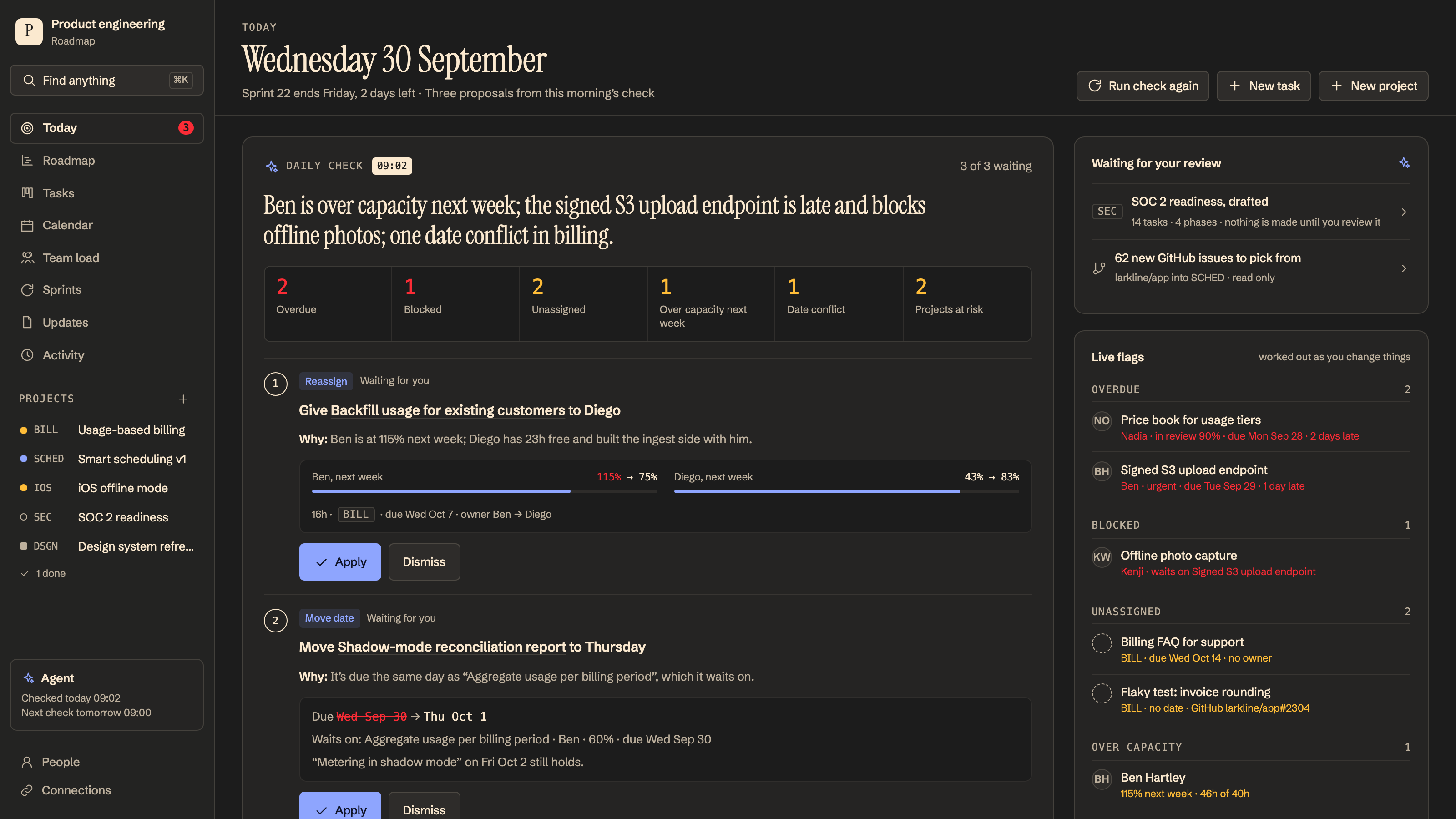
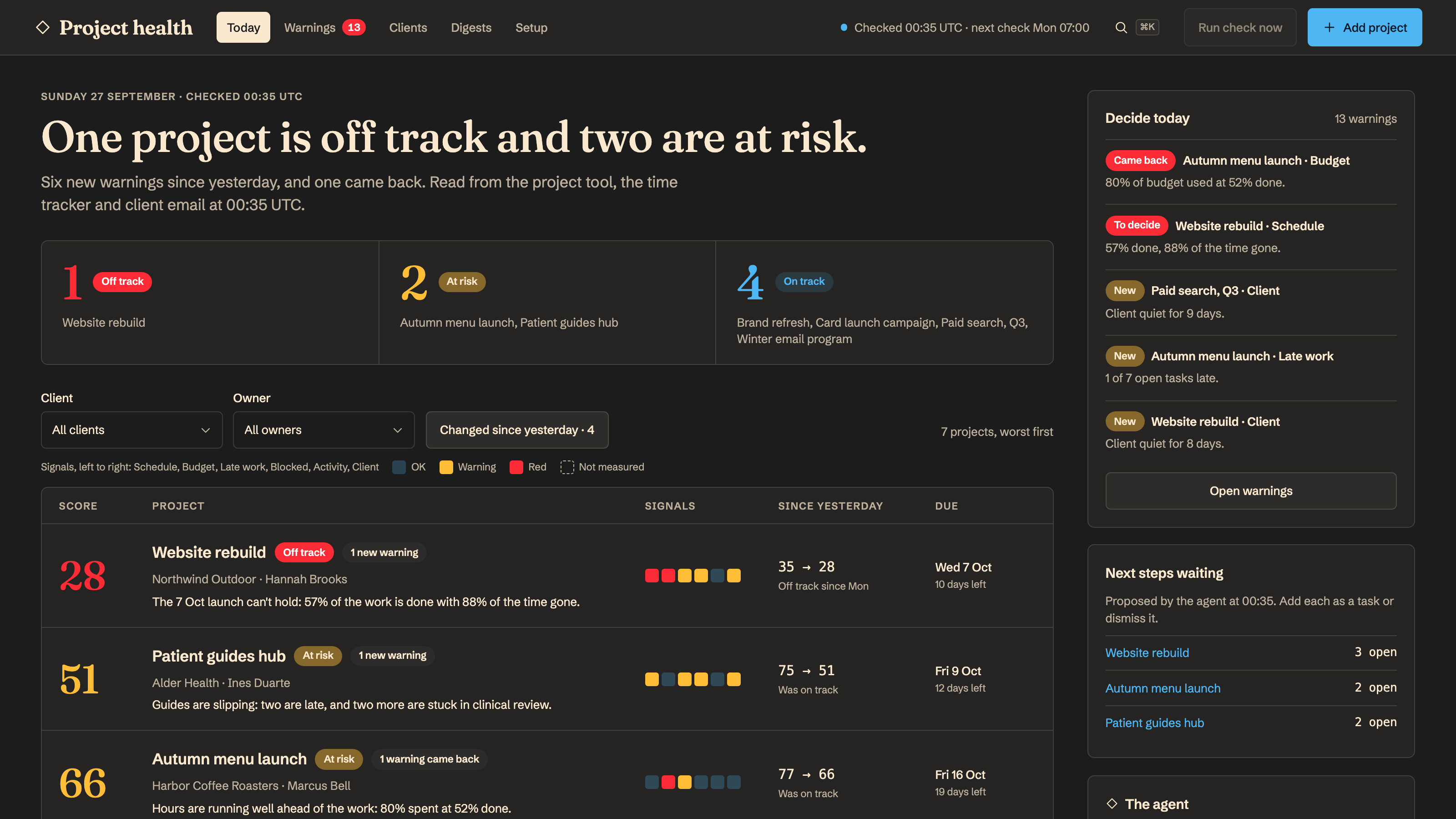
Every client project scored each morning, with the at-risk ones explained before the client notices.
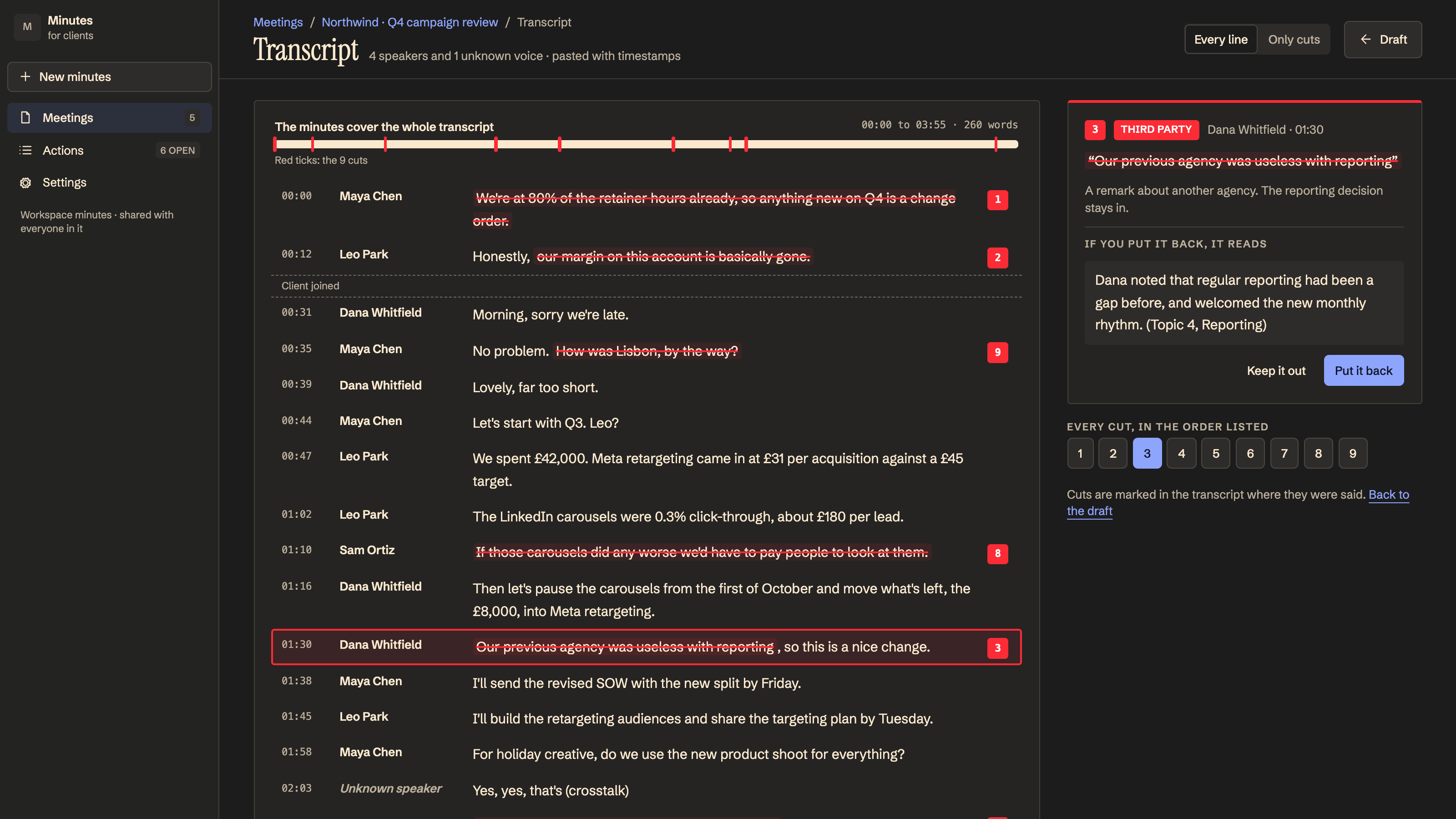
Client-ready minutes from any meeting transcript: decisions, owned actions and open items, with internal remarks removed.
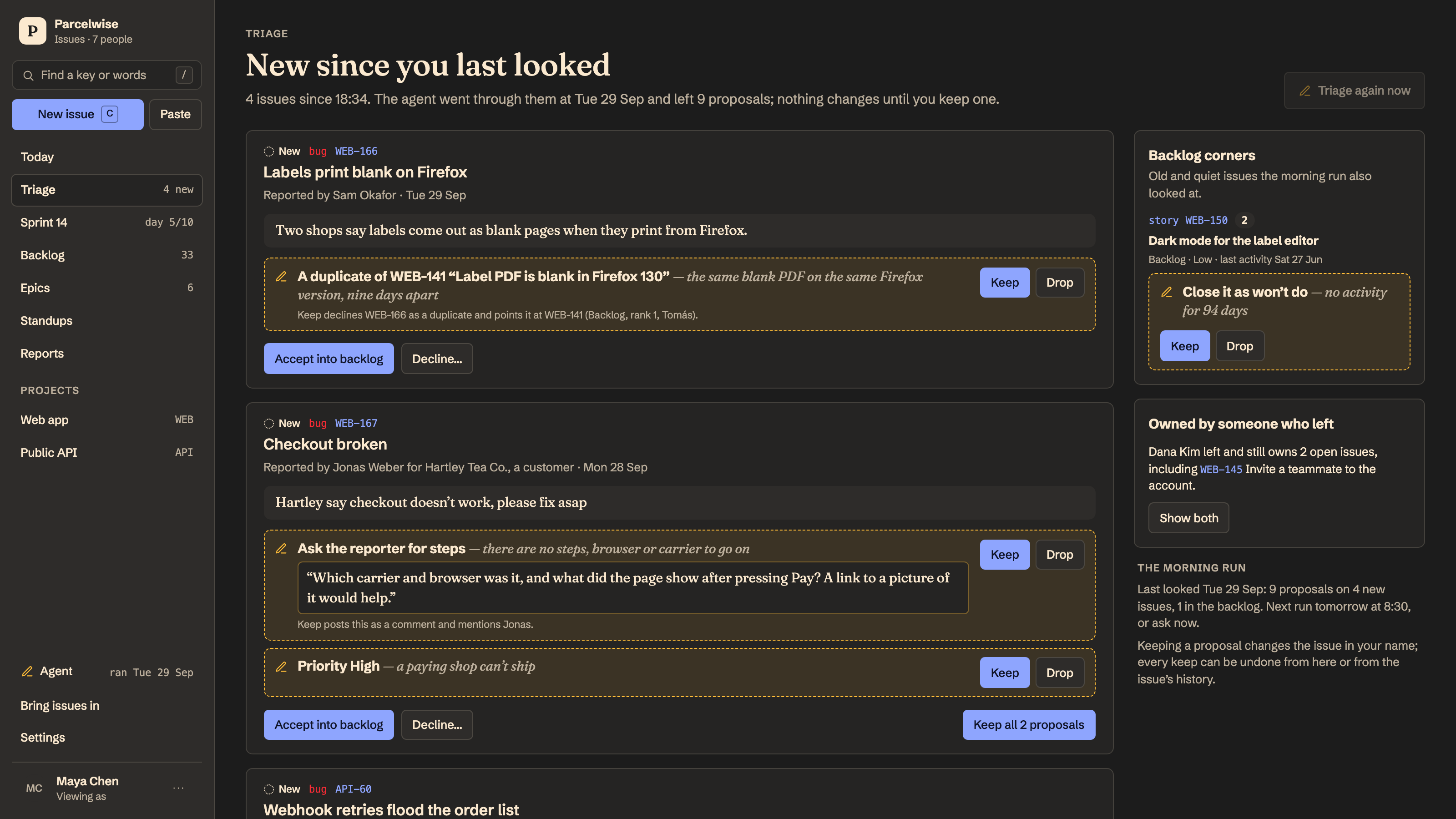
Turns bug reports, meetings and threads into well-formed issues, triages your backlog, and plans each sprint your team works through.
These apps share your workspace. Choose and configure each app separately.
See how agents and your team work togetherApp previews show example data.