Quick Start Guide
Quick Start Guide
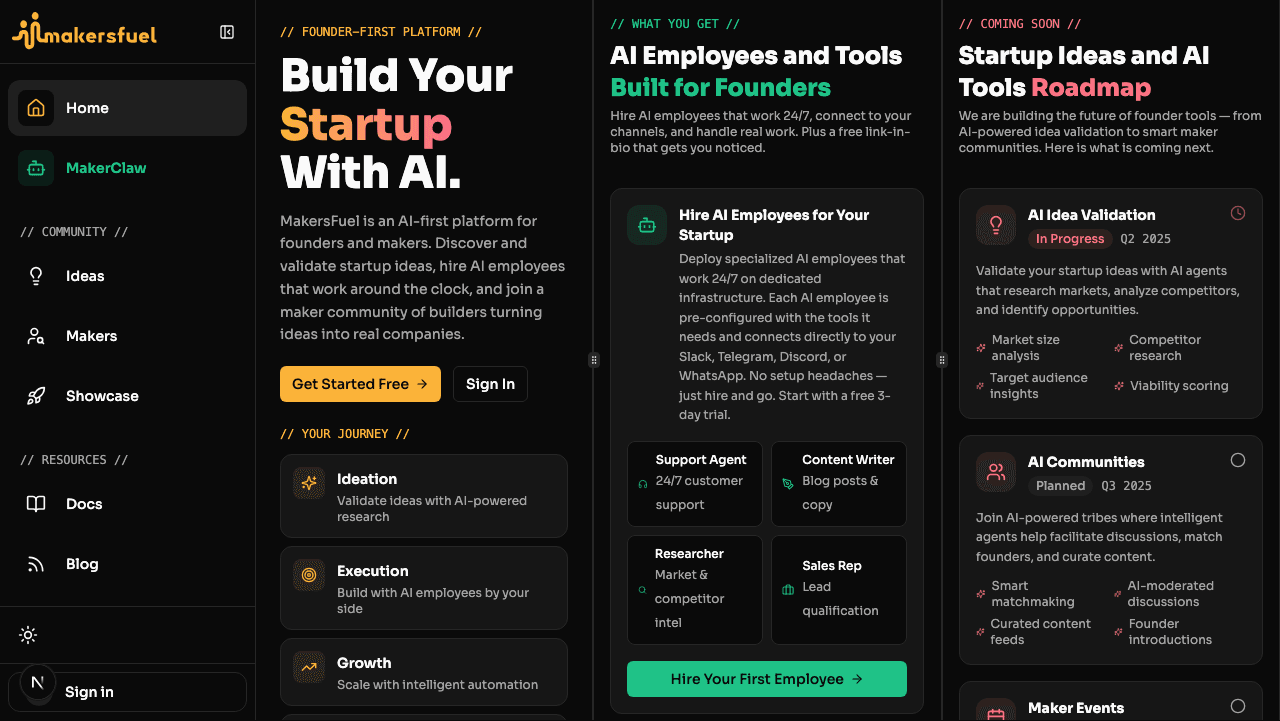
Get up and running with MakersFuel in under 10 minutes. This guide walks you through the essential first steps.
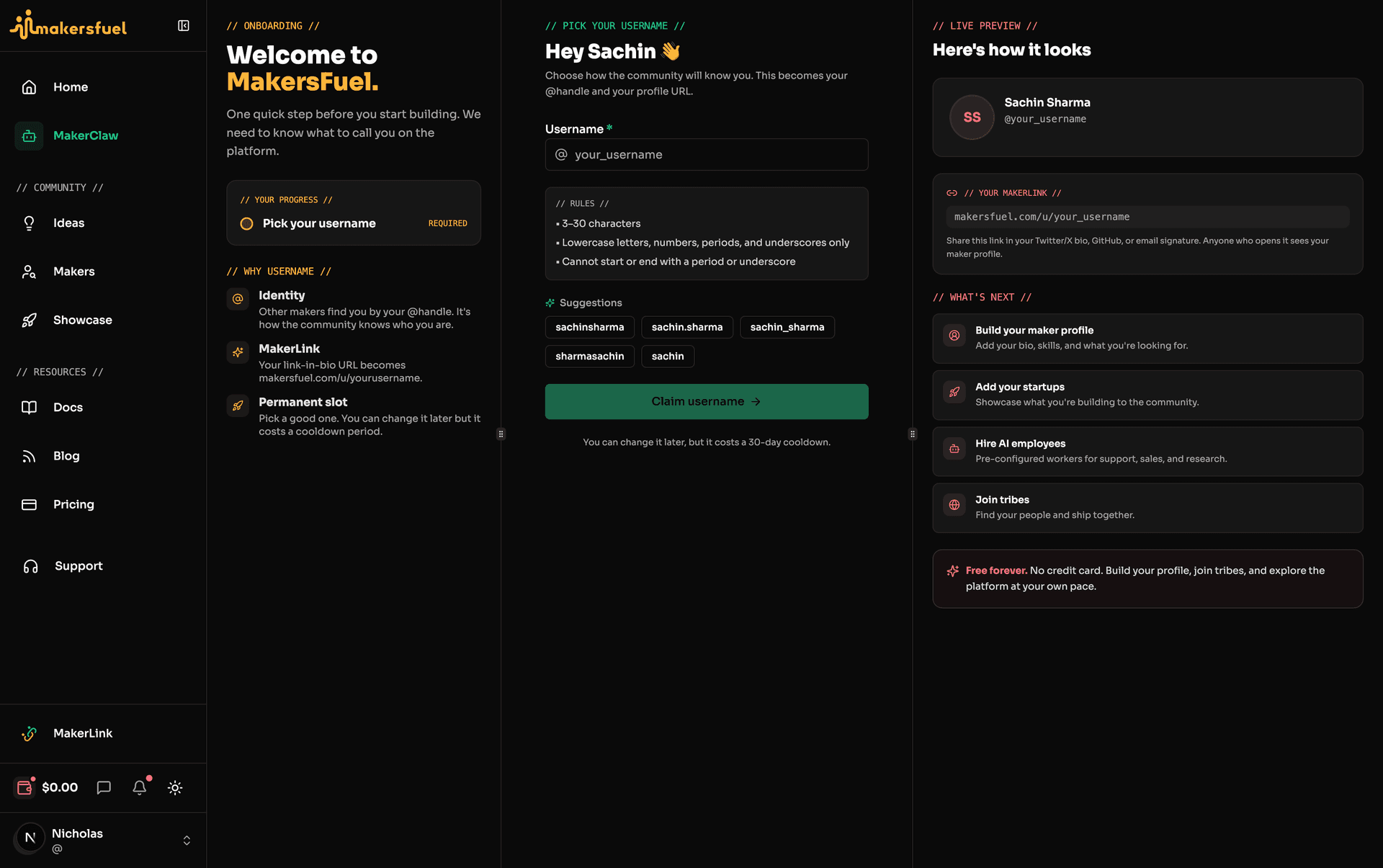
Step 1: Complete Your Profile
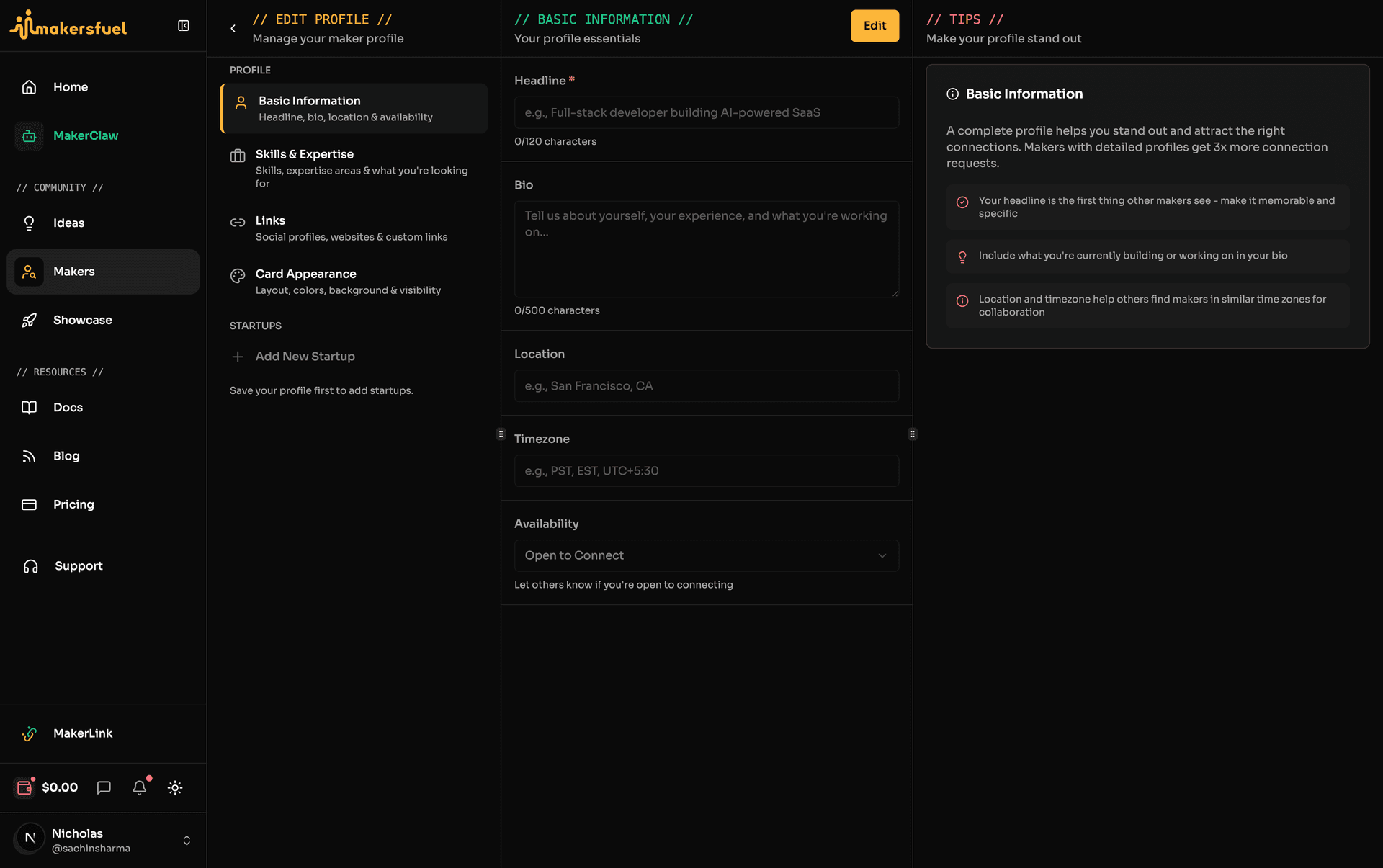
After signing up, complete your maker profile to help others discover you:
- Click your avatar at the bottom of the left sidebar, then select Settings
- Fill in your details:
- Display name — How you want to be known
- Username — Your unique @handle
- Bio — A brief introduction
- Avatar — Upload a profile picture
Tip: A complete profile gets 3x more connection requests!
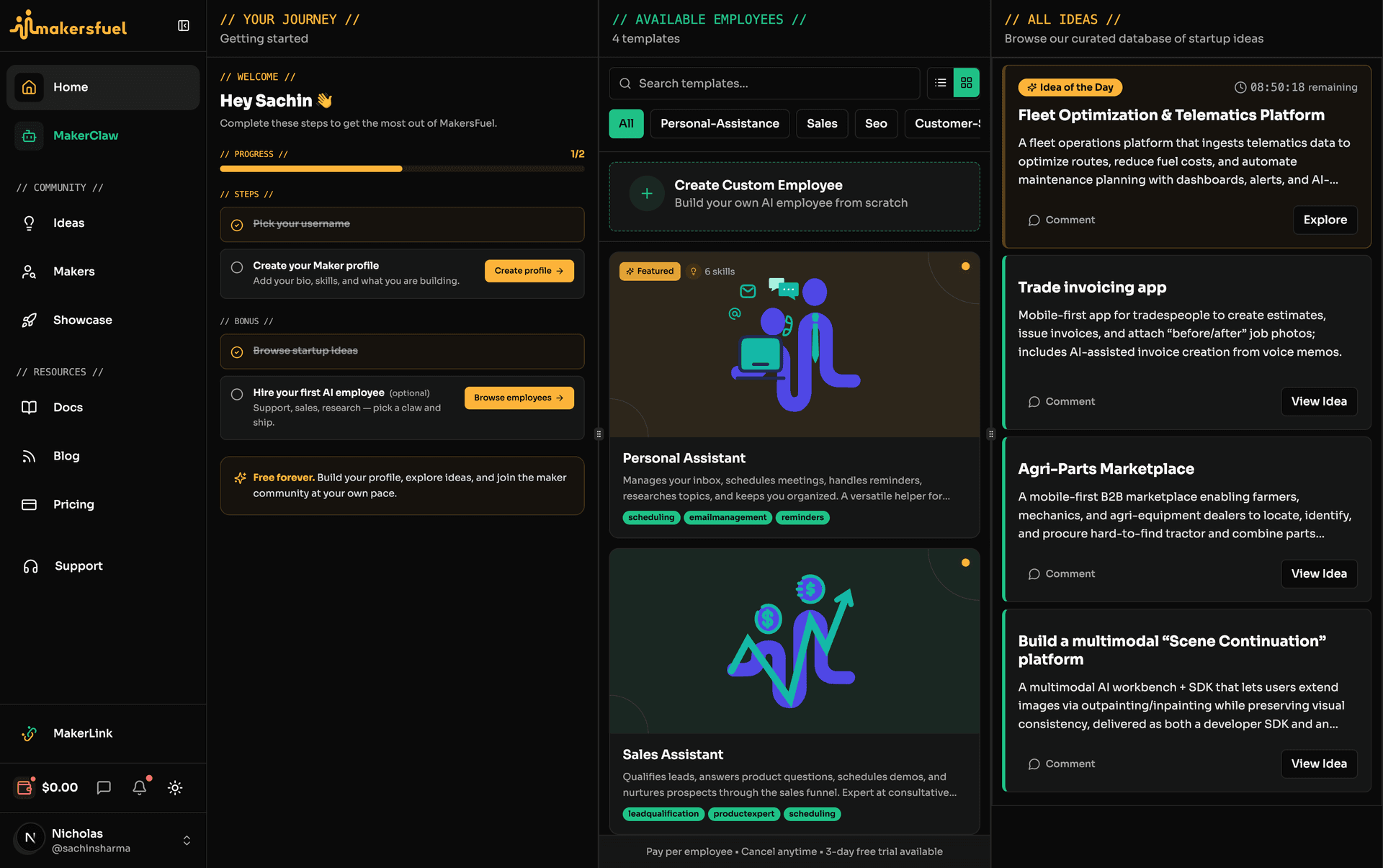
Step 2: Set Up Your Maker Profile
Your maker profile is separate from your account profile—it's how you appear in the Makers directory:
- Navigate to Makers in the sidebar
- Click Create Profile (or edit if you have one)
- Add your:
- Headline — Your professional tagline
- Skills — Frontend, Backend, Design, Marketing, etc.
- Expertise — SaaS, Fintech, E-commerce, AI/ML, etc.
- Looking for — Co-maker, Mentor, Developer, etc.
- Availability — Open, Limited, or Not Available
Step 3: Explore the Platform
Browse Ideas
Head to Ideas to discover curated startup concepts. All ideas are free and fully accessible.
Discover Makers
Visit Makers to find potential collaborators:
- Filter by skills, expertise, or availability
- Send connection requests to interesting makers
- Start conversations with accepted connections
Step 4: Set Up MakerLink (Optional)
Create your free link-in-bio page to showcase your projects and connect with others:
- Navigate to MakerLink in the sidebar
- Customize your page with links, projects, and social profiles
- Share your unique MakerLink URL
Step 5: Hire an AI Employee (Optional)
Your first AI employee comes with a 3-day free trial and a $1 wallet gift:
- Go to MakerClaw in the sidebar
- Browse the Available tab and select a template
- Choose your claw type (PicoClaw or Moltis), select a storage tier, and customize your employee's name and model
- Complete the payment flow (free for your first trial)
- Once provisioned, configure communication channels from the employee dashboard
- After the trial, billing continues at the per-employee rate via Paddle
Pricing:
- PicoClaw: $15/mo compute + $5/mo storage (5GB) = $20/mo minimum
- Moltis: $25/mo compute + $5/mo storage (5GB) = $30/mo minimum
Navigation Overview
| Section | What You'll Find |
|---|---|
| Home | Your personalized feed |
| MakerClaw | AI employee management |
| Ideas | Startup ideas library |
| Showcase | Community project showcase |
| Makers | Maker directory |
| Messages | Direct conversations |
| Docs | Platform documentation |
| Blog | MakersFuel blog |
| Notifications | Updates and alerts (sidebar utility row on desktop, top header on mobile) |
| Settings | Account and billing (via avatar menu at bottom of sidebar) |
What's Next?
- Want automation? → Introduction to AI Employees
- Need collaborators? → Makers Directory
What did you think of this content?